 MAGNET Productivity Suite
 OEM Components & Technology
 Crop Sensing
 Water Conservation
 Ag Connectivity and Data Management
 Agricultural Machine Control
 GNSS Receivers for Agriculture
 Consoles and Displays for Ag
 Mass Data and Volume Collection
 Enterprise Services and Subscriptions
  Lasers, Levels & Theodolites
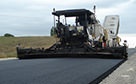 Paving, Milling
  Excavating and
  Rough and Fine
  GNSS & Network Solutions
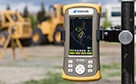 Field Controllers
 Software Solutions
 Total Station Solutions
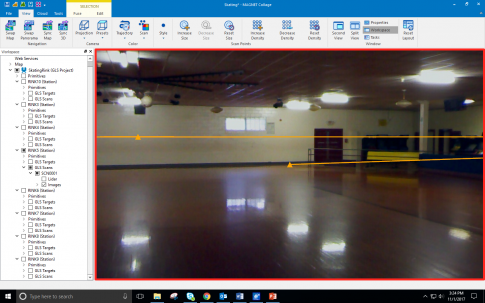
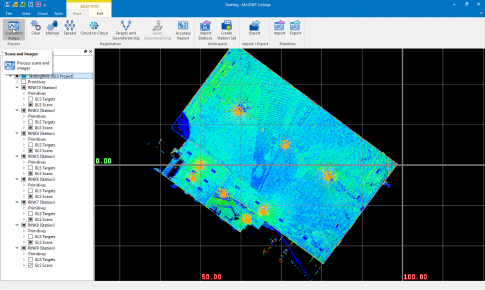
- Open MAGNET Collage
- Select the GLS Project
- Go to Fuse
- Then Scans and Image Process
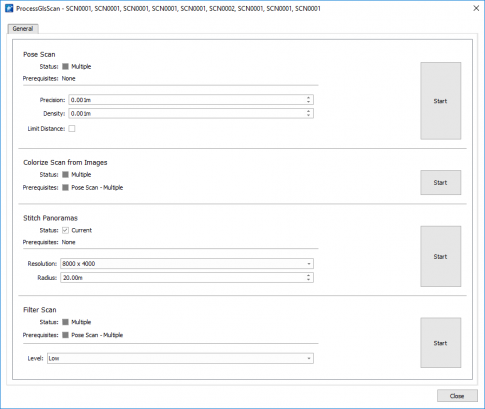
- Select Start in the Stitch Panoramas row
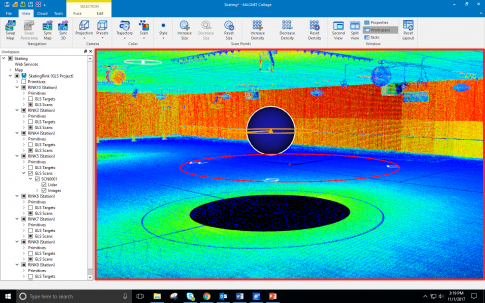
- Locate a blue sphere and double-click on it
- Double-clicking on the sphere will swap to panorama view.
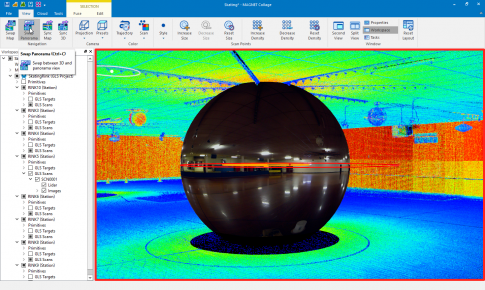
- Enter sphere view.